Harry Procreate Lettering Brush Guide
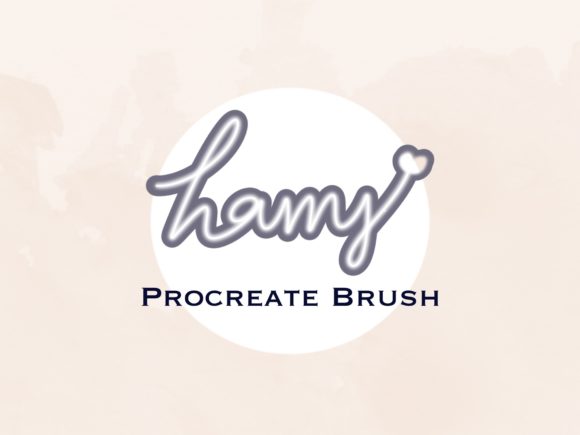
Digital lettering has transformed from a niche skill into a vital tool for modern creatives. Whether you are designing social media graphics, crafting wedding invitations, or developing brand identities, the right tools can significantly impact your workflow and final output. The Harry Procreate Lettering Brush emerges as a specialized solution for artists seeking efficiency without sacrificing aesthetic quality. This custom brush is designed specifically for the Procreate app on iPad, offering a streamlined method for creating lettering designs with built-in shadow effects.
Understanding whether this tool aligns with your creative process requires looking beyond the surface features. Different users approach digital art with varying priorities. For some, speed is paramount; for others, learning the fundamentals of hand-lettering is the primary goal. This guide explores how the Harry Procreate Lettering Brush serves diverse audiences, from complete beginners to seasoned professionals, helping you determine if it fits your specific needs.
What Is the Harry Procreate Lettering Brush?
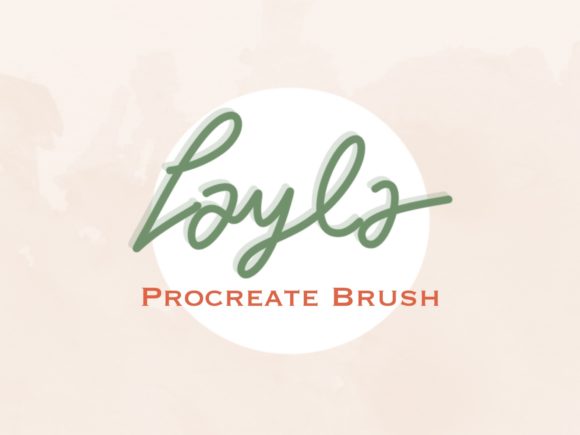
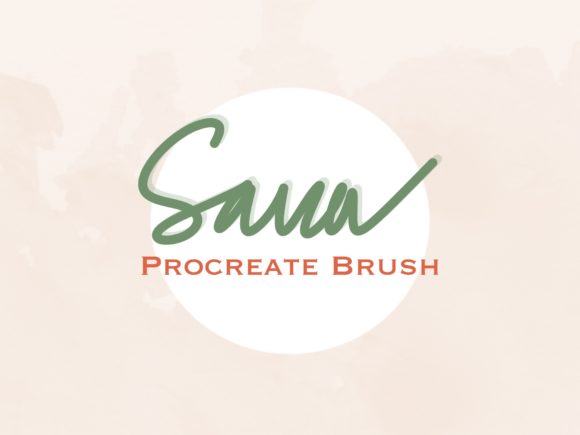
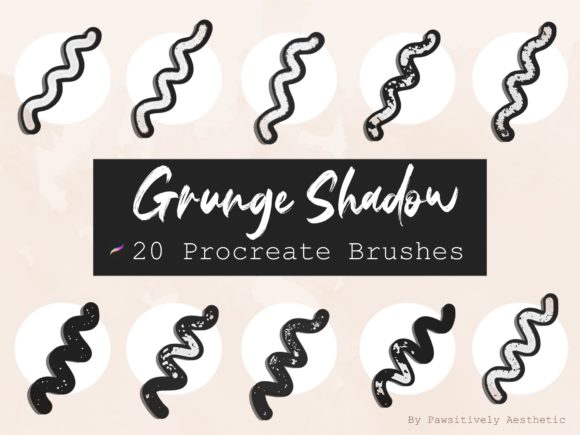
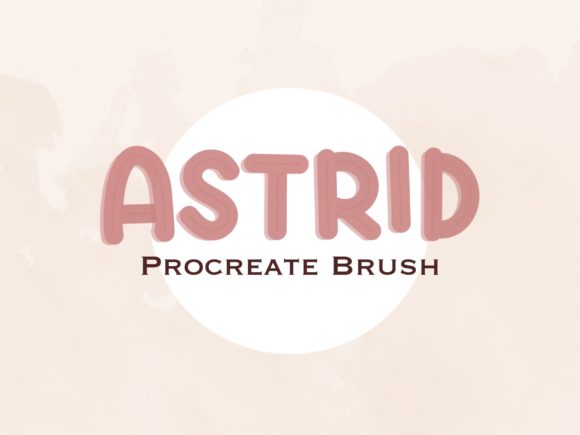
At its core, the Harry Procreate Lettering Brush is a digital asset, distributed as a .brushset file, that integrates directly into the Procreate ecosystem. Unlike standard round or square brushes that require manual adjustment to achieve depth, this custom brush is engineered to produce lettering with inherent shadowing. This feature eliminates the need for complex layer management or duplicate layers to create dimensionality, allowing users to focus on the flow and structure of their typography.
The installation process is straightforward, reflecting the user-friendly nature of the tool. Once downloaded, the file resides in the iPad’s Files app under the Downloads section. A single tap on the .brushset file automatically imports the brush into Procreate. This ease of access ensures that creators can start working almost immediately, reducing technical friction and allowing for spontaneous creativity.
Perspectives for Beginners and Hobbyists
For those new to digital art, the learning curve associated with Procreate can feel steep. Beginners often struggle with pressure sensitivity, stroke consistency, and understanding how to build depth in their illustrations. The Harry Procreate Lettering Brush addresses these challenges by simplifying the technical aspects of lettering.
- Ease of Use: The pre-configured shadow effect means beginners do not need to master advanced blending modes or layer styles to achieve professional-looking results.
- Confidence Building: Seeing immediate, polished results can boost morale and encourage continued practice.
- Low Risk: As a digital download, there is no physical inventory to manage, making it an accessible entry point for hobbyists exploring digital tools.
However, beginners should be aware that relying heavily on automated effects can sometimes hinder the development of fundamental skills. It is advisable to use this brush as a supplement to learning basic stroke control rather than a replacement for it. Using the brush to experiment with composition and layout can provide valuable insights into typography without the frustration of technical execution.
Value for Professionals and Freelancers
Experienced designers and freelancers operate under tight deadlines and client expectations. For this audience, the primary value of the Harry Procreate Lettering Brush lies in efficiency and consistency. When producing multiple assets for a campaign or creating rapid mockups for client approval, time-saving tools are invaluable.
Professionals may evaluate this brush based on its flexibility. Can the shadow intensity be adjusted? Does it integrate well with other custom brushes? While the brush offers a quick solution for shadowed lettering, professionals must ensure it aligns with their brand guidelines or project requirements. The ability to quickly generate high-quality typographic elements allows freelancers to take on more projects or allocate more time to strategic design decisions rather than manual detailing.
Moreover, the commercial utility of such tools cannot be overstated. For marketers and small business owners who manage their own social media presence, the ability to create eye-catching text overlays rapidly can enhance engagement rates. The brush enables the production of consistent visual content, which is crucial for brand recognition.
Educators and Content Creators
Educators and tutorial creators often seek tools that demonstrate concepts clearly and efficiently. The Harry Procreate Lettering Brush can serve as an excellent teaching aid for illustrating the principles of light and shadow in typography. By using a brush that automatically applies shadows, instructors can focus lessons on letter structure, spacing, and composition rather than getting bogged down in technical setup.
Content creators, including bloggers and YouTubers, benefit from the visual appeal of shadowed lettering in thumbnails and headers. The distinct style provided by this brush can help establish a unique visual identity. For these users, the aesthetic consistency offered by a custom brush set contributes to a cohesive online presence, making their content more recognizable and professional.
Technical Considerations and Best Practices
To maximize the potential of the Harry Procreate Lettering Brush, users should consider several practical factors. First, ensure your iPad and Procreate app are updated to the latest versions to guarantee compatibility. The brush relies on Procreate’s engine to render the shadow effects correctly, so outdated software may lead to unexpected results.
Second, experiment with opacity and flow settings. While the brush comes with predefined characteristics, adjusting these parameters can yield different textures and intensities. This customization allows users to tailor the brush to specific projects, whether they require bold, impactful headlines or subtle, elegant subheaders.
It is also important to respect the licensing terms. The product is a digital download intended for personal and commercial use within the bounds of the creator’s policy. Users must not claim the brush set as their own, copy, share, or resell the files. Adhering to these guidelines supports the developer community and ensures continued innovation in digital art tools.
Is This Brush Right for You?
Deciding whether to incorporate the Harry Procreate Lettering Brush into your toolkit depends on your specific goals and workflow. If you prioritize speed and ease of use, particularly for social media content or quick drafts, this brush offers significant advantages. It reduces the technical barrier to creating dimensional lettering, making it accessible to a wide range of skill levels.
Conversely, if your work requires highly customized, hand-drawn shadows with precise control over every angle and intensity, you may find the automated nature of this brush limiting. In such cases, it might serve better as a starting point for further refinement rather than a final solution.
Ultimately, the Harry Procreate Lettering Brush represents a balance between convenience and quality. It empowers users to create visually appealing typography with minimal effort, freeing up mental energy for creative decision-making. By understanding your own priorities—whether they lean towards learning, efficiency, or aesthetic consistency—you can determine if this tool aligns with your artistic journey.
For those ready to enhance their digital lettering capabilities, downloading the brushset is a simple step toward more dynamic and engaging designs. Remember to explore its features thoroughly, adjust settings to fit your style, and integrate it thoughtfully into your broader creative process. With the right approach, this tool can become a valuable asset in your digital artistry arsenal.